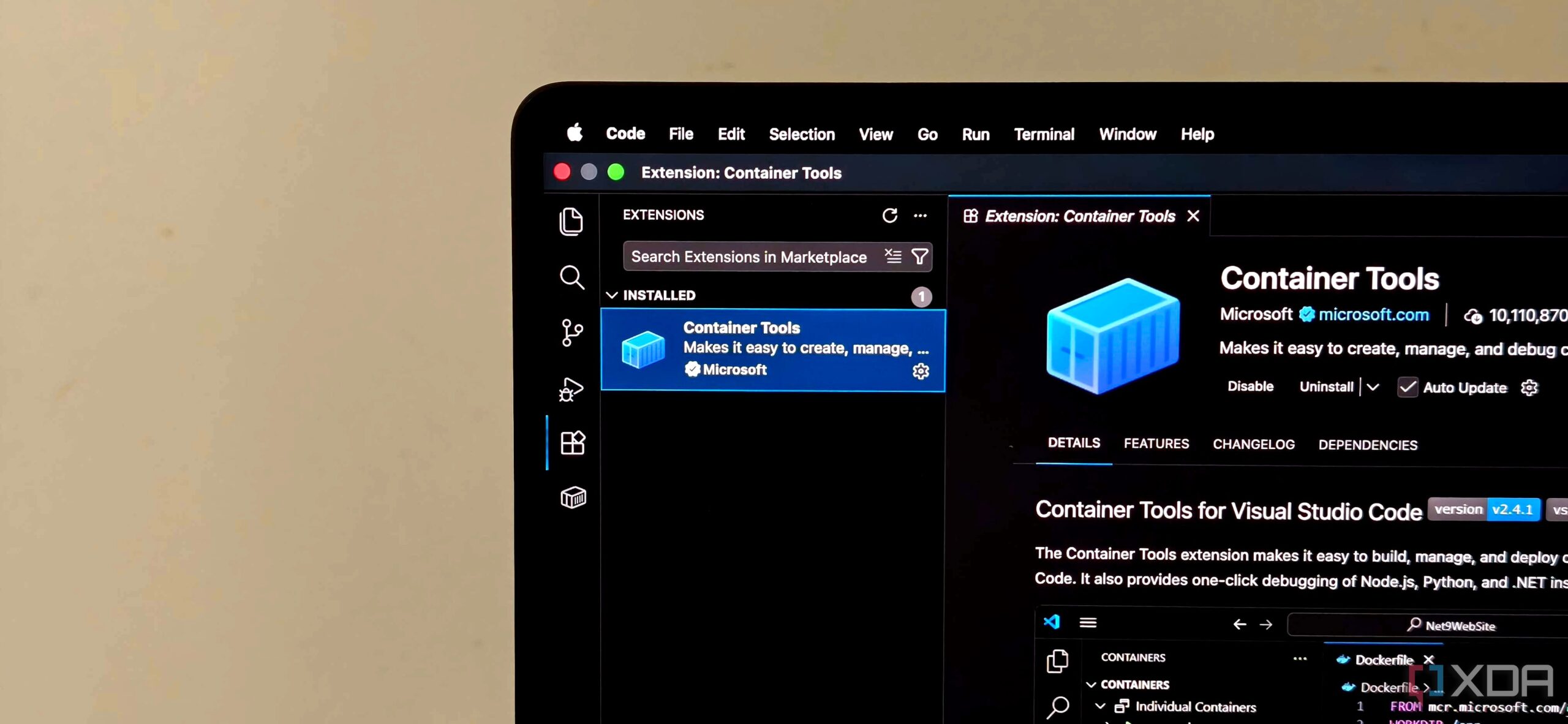
UPDATE: VS Code has officially launched its highly anticipated Container Tools, replacing the previous Docker extension and significantly enhancing the development experience. This transition, completed earlier today, promises to streamline container management directly within the VS Code interface.
The new Container Tools integrates advanced functionalities that make it easier for developers to manage containers, images, and networks without relying heavily on command-line interfaces. Users can now browse files in running containers, conduct one-click debugging for applications like Node.js, Python, and .NET, and enjoy improved IntelliSense for Dockerfiles—all from within VS Code.
What makes this update crucial is its runtime-agnostic design. Unlike the earlier Docker extension, which primarily supported Docker, Container Tools now supports Podman and other OCI-compatible runtimes. This means developers can switch between Docker and Podman seamlessly without altering their workflows. The extension is built to auto-detect these runtimes, making it an ideal choice for developers experimenting with different container technologies.
The visual Container Explorer has been a standout feature in early user feedback. It allows a structured view of containers, images, volumes, and networks, all within the VS Code environment. Developers can manage entire Compose applications efficiently, starting or stopping stacks and inspecting logs without switching contexts.
In practical terms, this means a developer working on a Node.js API alongside a PostgreSQL service can tweak environment variables in their docker-compose.yml file and receive inline documentation to ensure accuracy. They can execute commands directly from the Command Palette, launching only specific services without needing to restart associated databases.
Additionally, the integration with Azure Container Registry allows users to log in and manage images directly within VS Code, streamlining workflows for those using Azure services. The inclusion of GitHub Copilot further enhances the development process, allowing users to analyze logs, identify errors, and receive context-sensitive suggestions directly tied to their containers.
Container Tools not only improves efficiency but also changes how developers interact with their container workflows. The command palette, settings sync, and registry management are more intuitive, reducing the friction often associated with container management.
As developers begin to adopt this new extension, the impact on their productivity is expected to be profound. By eliminating the need for constant context switching and enhancing collaborative features, VS Code’s Container Tools is set to redefine container management for modern developers.
Stay tuned for more updates as users share their experiences with Container Tools, and watch how this development shapes the future of container workflows in the coding community.